
Do you want to choose the best WordPress membership plugin for your business but feel overwhelmed by the options?
With hundreds of plugins promising to help you sell memberships, restrict content, and manage users, picking the right one can feel like a high-stakes decision. The truth is, the membership plugin you choose will directly shape your customer experience, your ability to grow recurring revenue, and the overall success of your online business.
Whether you’re launching an exclusive content hub, building an online community, selling courses, or offering digital downloads, the right membership solution will give you the flexibility to manage payments, control access, and scale effortlessly as your business grows.
In this guide, we’ll walk you through everything you need to know to make a confident decision. You’ll learn why choosing the right membership plugin matters, the core features to look for, how to evaluate your specific business needs, and a detailed comparison of the best WordPress membership plugins available today.
By the end, you’ll have the knowledge and confidence to pick a plugin that not only fits your current goals but also supports your growth in the future.
Table of Contents
Features to Look for in a WordPress Membership Plugin
Not all membership plugins are created equal. While some focus on content restriction, others specialize in payment flexibility, user management, or community features. To ensure you get the most value, here are the essential features you should look for:
Easy Setup and an Intuitive Interface: A membership plugin should empower you, not overwhelm you. Look for a solution that’s easy to install, with a straightforward dashboard and guided setup wizards. If you’re not a developer, features like drag-and-drop form builders and step-by-step onboarding will save you time and money. A clean, user-friendly interface reduces frustration and allows you to focus on growing your membership business rather than fighting with software.
Flexible Membership Levels and Pricing Structures: Your business model will likely evolve, so you need flexibility when creating membership plans. The best plugins allow you to:
- Create unlimited membership levels (free, premium, VIP).
- Offer one-time payments, recurring subscriptions, and tiered pricing.
- Set up free trials or introductory offers to attract new members.
- Bundle memberships with other products or services.
Control your pricing structure so you can test what works best for your audience while maximizing revenue.
Content Restriction and Paywall Options: A membership plugin’s primary purpose is to control who can access your content. Look for advanced content restriction features that let you:
- Restrict access to individual posts, pages, custom post types, categories, or entire sections of your site.
- Offer a metered paywall, where free visitors can read a limited number of articles before paying.
- Hide navigation menus, widgets, or page elements based on user role or membership status.
These features keep your exclusive material secure while giving you creative control over what’s free and what’s locked behind a subscription.
Reliable Payment Gateway Integrations: Revenue matters, so your plugin should integrate seamlessly with popular payment gateways like Stripe, PayPal, Paystack, Mollie, and Razorpay.
Features to prioritize include:
- Support for multiple currencies and international payments.
- Both one-time and recurring billing options.
- Built-in tax settings and fraud prevention features.
- Payment method diversity (credit cards, bank transfers, etc.).
Smooth payment processing improves user trust and reduces checkout abandonment.
Automated Member Management: Managing members manually can quickly become overwhelming. The ideal plugin should automate essential tasks, such as:
- Handling subscription renewals, expirations, and cancellations.
- Sending automated payment reminders, invoices, and notifications.
- Automatically granting or revoking access to content based on user status.
A well-designed admin dashboard with a reporting dashboard will also help you track member activity and financial performance in real time.
Customizable Registration, Login, and Checkout Forms: First impressions matter, and your sign-up process is often a user’s first interaction with your brand. Choose a plugin that offers:
- Drag-and-drop form builders for complete customization.
- Support for additional fields to collect data beyond basic contact details.
- Post-registration redirects to guide users toward relevant content.
This ensures users enjoy a seamless and professional onboarding process.
Community and Engagement Features: If your vision extends beyond delivering content to fostering a community, your membership plugin should support or integrate with platforms like BuddyPress or BuddyBoss and have features such as:
- Member directories with search and filtering capabilities.
- Social login options for quick onboarding.
Strong engagement features keep members invested and reduce churn.
Detailed Reporting and Analytics: Data is vital to improving your membership strategy. Look for plugins that offer built-in analytics, such as:
- Revenue and sales tracking by date or membership level.
- Member growth metrics over time.
- Popular content insights to see what keeps members engaged.
- Export options for financial reporting and tax purposes.
Having access to actionable insights will help you refine your pricing, marketing, and retention strategies.
Scalability and Integrations: A plugin that works for a small startup should also support you as your membership base grows. Prioritize plugins that:
- Offer a wide range of official and third-party add-ons.
- Are compatible with popular page builders, learning management systems, and email marketing platforms.
- Provide a history of regular updates to ensure long-term stability.
Excellent Support and Documentation: Even the most intuitive plugin requires support from time to time. A reliable membership plugin should come with:
- Extensive, well-structured documentation and tutorials.
- A responsive support team with a good track record.
Quality support is essential for troubleshooting, especially when your revenue depends on your membership site functioning smoothly.
By ensuring your membership plugin checks these boxes, you’ll lay a strong foundation for a platform that delivers value to your members and supports your business as it scales.
Next, let’s explore how to evaluate your business needs so you can choose the best-fit plugin.
Best WordPress Membership Plugins
Once you’ve identified your business needs, the next step is to evaluate the leading WordPress membership plugins side by side. Each plugin comes with its own strengths, pricing models, and unique features, so taking a closer look will help you make an informed choice.
Below is a comparison of the best membership plugins for WordPress.
1. ProfilePress
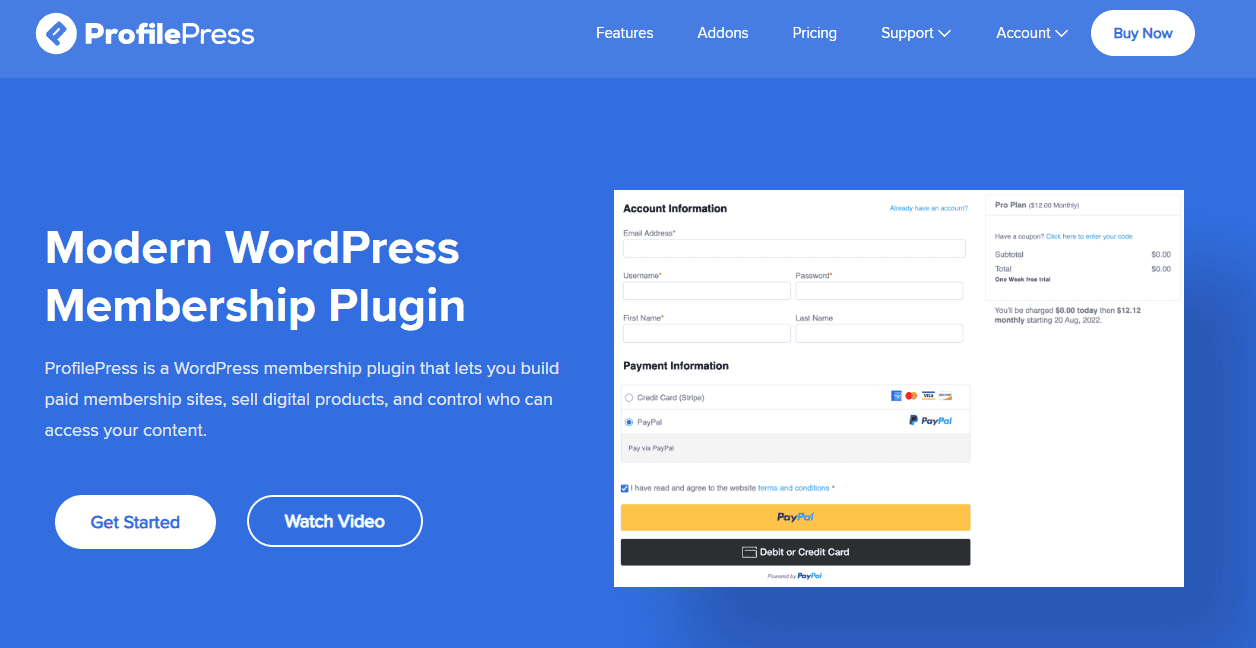
ProfilePress is a powerful WordPress membership and ecommerce plugin for businesses that want to build membership sites, manage users, and create secure gated content. It’s well-suited for creators, educators, and businesses that want complete control over membership management without complicated setups.
Features of ProfilePress
Payment Processing: With ProfilePress, you can accept one-time or recurring payments via Stripe, PayPal, Razorpay, Mollie, Paystack, and Bank Transfer.
Content Restriction: ProfilePress allows you to hide pages, posts, or entire categories behind a paywall, with advanced visibility rules based on user roles, membership plans, or logged-in status.
User Management: Manage detailed customer records, subscriptions, and orders with built-in reporting features.
Custom Frontend Forms: Create fully customizable registration, login, checkout, and password reset forms with ProfilePress.
Course Integrations: ProfilePress seamlessly connects with Tutor LMS, LearnDash, LifterLMS, Academy LMS, and Sensei LMS to sell and manage courses.
Security: ProfilePress includes two-factor authentication (2FA), passwordless login, reCAPTCHA, Cloudflare Turnstile, and Akismet integration.
Marketing Integrations: Sync users with Mailchimp, MailerLite, Campaign Monitor, and add affiliate programs through AffiliateWP or SliceWP.
Customization: ProfilePress comes with excellent pre-built templates and a drag-and-drop builder to design pages, forms, and profiles quickly.
Community Features: With ProfilePress, you can add user profiles and member directories to your membership site. ProfilePress also integrates with BuddyPress and BuddyBoss.
Premium Addons: ProfilePress has over a dozen addons that extend its functionality with features like metered paywalls, invite codes, email confirmation, multilingual support, and more.
Cost of ProfilePress
ProfilePress offers flexible pricing plans for different business sizes. There’s a free version with essential features for building a basic membership site, but advanced functionality like LMS integrations, metered paywalls, email marketing automation, and premium addons requires a paid license, starting at $129 per year.
2. MemberPress
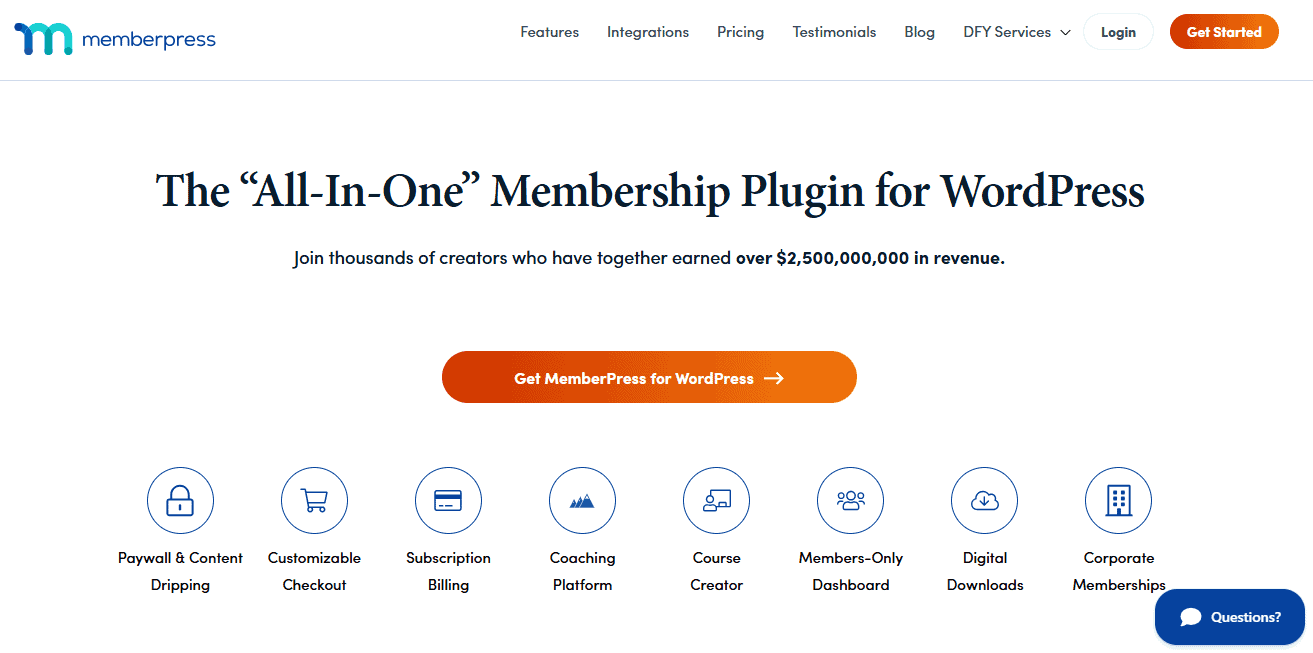
MemberPress is a popular WordPress membership plugin that makes it easy to sell memberships, manage subscriptions, and restrict access to your content. It’s easy to use yet powerful, offering everything from content restriction and drip scheduling to online courses with quizzes and assignments.
Features of MemberPress
- Easy setup with auto-generated pages (pricing, login, account, thank-you)
- Advanced access control for posts, pages, files, and custom post types
- Drip content scheduling to release lessons gradually
- Support for recurring and one-time payments via PayPal, Stripe, and Authorize.net (Developer Plan)
- Courses and CoachKit add-ons for a full online learning experience
- Integrations with AWeber, Mailchimp, Constant Contact, Uncanny Automator, and more
- Compatibility with AWS, Blubrry (podcasts), and BuddyBoss (private communities)
- Extra features like coupon codes, member dashboards, email notifications, and REST API
Cost of MemberPress
MemberPress does not offer a free plan; paid plans start at $359 per year.
3. Thrive Apprentice
Thrive Apprentice is a versatile WordPress membership and course builder designed for creators who want to deliver polished, professional learning experiences. Its intuitive drag-and-drop builder, 55+ pre-designed templates, and advanced customization options make it ideal for building and managing online courses without a steep learning curve.
Thrive Apprentice also comes with powerful content dripping, progress tracking, and membership management features to help you engage learners and grow your business.
Features of Thrive Apprentice
- Drag-and-drop course builder with over 55 customizable templates
- Customizable certificates to reward student achievements
- Progress tracking to monitor student learning outcomes
- Flexible content-dripping schedules for structured learning
- Support for one-time and recurring subscriptions
- Built-in membership management dashboard for granting or revoking access
- Landing page builder, coupons, and discount features for promotions
- SEO-friendly design and multiple language support
- Integrates with other Thrive Suite plugins like Thrive Leads, Quiz Builder, and Optimize
Cost of Thrive Apprentice
Thrive Apprentice does not have a free plan. Pricing starts at $149 per year for the standalone plugin, making it a great choice for those adding memberships and courses to an existing site.
For those starting fresh or wanting more functionality, the Thrive Suite plan is available for $299 per year and includes Thrive Apprentice plus a full suite of Thrive plugins.
4. ARMember
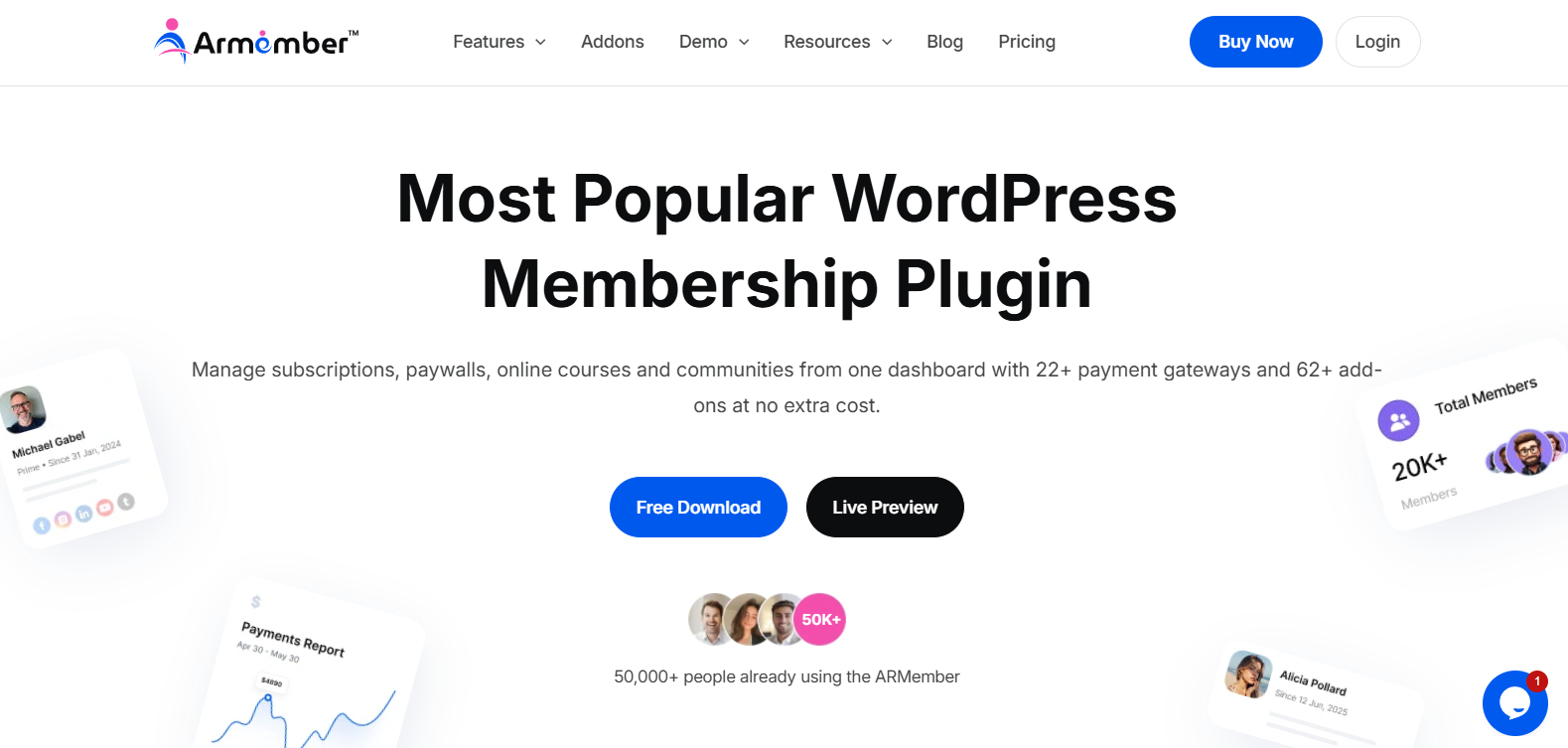
ARMember is a reliable WordPress membership plugin that makes it easy to create membership plans, restrict content, manage members, and accept payments from your website. It’s easy to use and offers everything from flexible content restriction and drip content to member profiles, payment options, and recurring subscriptions.
Features of ARMember
- Easy setup with built-in membership plans, registration, login, and account forms
- Advanced content restriction for posts, pages, categories, custom post types, and other website content
- 62+ built-in addons at zero extra cost
- Drip content scheduling to gradually release restricted content to members
- Support for one-time and recurring payments through 22+ popular payment gateways
- Multiple membership plans with flexible pricing, trial periods, and subscription options
- Built-in member profiles, user dashboards, and account management tools
- Automatic notifications, coupons, social login, and other membership management features
- Integrations with popular services for email marketing, payments, automation, and more
Cost of ARMember
ARMember offers a free version with essential membership features, while the premium version starts at $89 per year.
5. WPSubscription
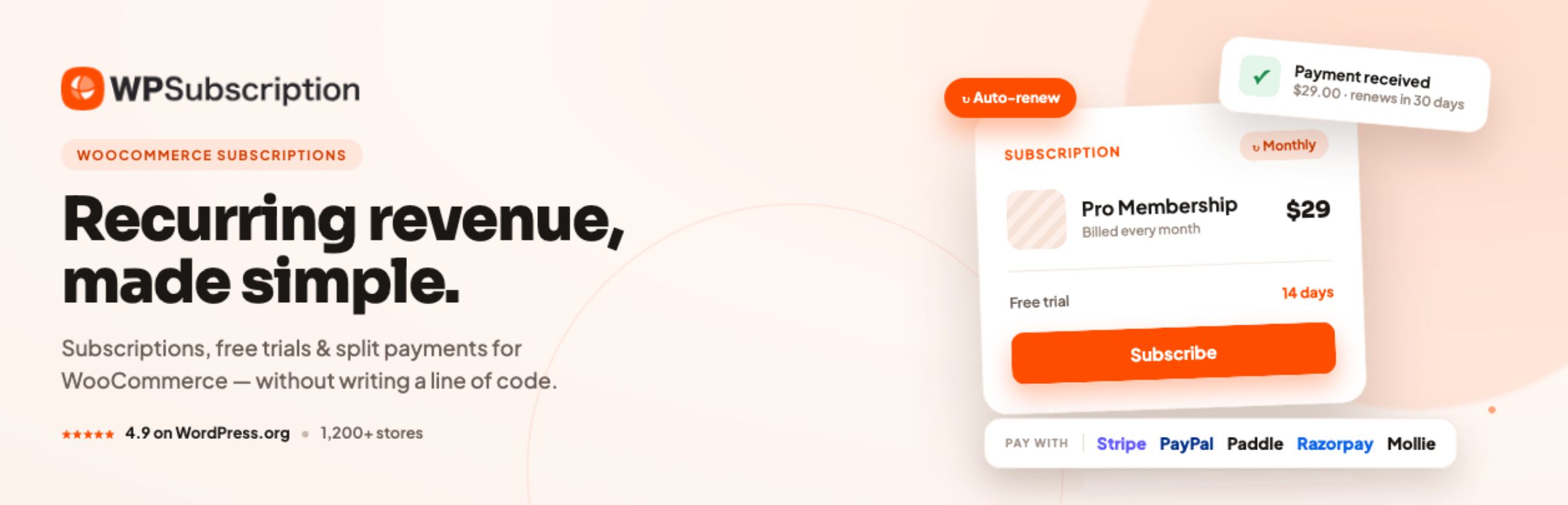
WPSubscription is a WooCommerce subscription plugin you should know if your membership site runs on WooCommerce. It covers recurring billing, letting you turn any WooCommerce product into a subscription with flexible pricing, free trials, and a customer self-service dashboard.
Features of WPSubscription
- Flexible billing cycles: daily, weekly, monthly, or yearly
- Free trial periods configurable per subscription product
- Split-payment installments for higher-priced products or courses
- Customer self-service dashboard for upgrades, downgrades, pauses, and cancellations
- Automatic user role assignment tied to active subscriptions
- Supports Stripe, PayPal, Paddle, Mollie, Razorpay, and WooEpay
- Automated email notifications for renewals, cancellations, and expirations
Cost of WPSubscription
WPSubscription offers a free version on WordPress.org, with paid annual plans starting at $89/year and lifetime licenses starting at $179.
6. Paid Memberships Pro

Paid Memberships Pro is an excellent WordPress membership plugin that helps you build a fully functional membership- or subscription-based website. It’s especially great for creating multi-tiered membership levels, protecting premium content, and managing both online and offline communities.
Features of Paid Memberships Pro
- Create multi-tiered membership levels with ease
- Restrict posts, pages, and custom post types for members only
- Schedule drip content
- Build member directories and profiles for your community
- Run promotions with discount codes and offers
- Track sales, revenue, and affiliate program performance
- Create landing pages for memberships and marketing campaigns
- Support for recurring and one-time payments via PayPal, Stripe, and Braintree
Cost of Paid Memberships Pro
Paid Memberships Pro offers a free plan, with paid plans starting at $174 per year.
7. MemberMouse
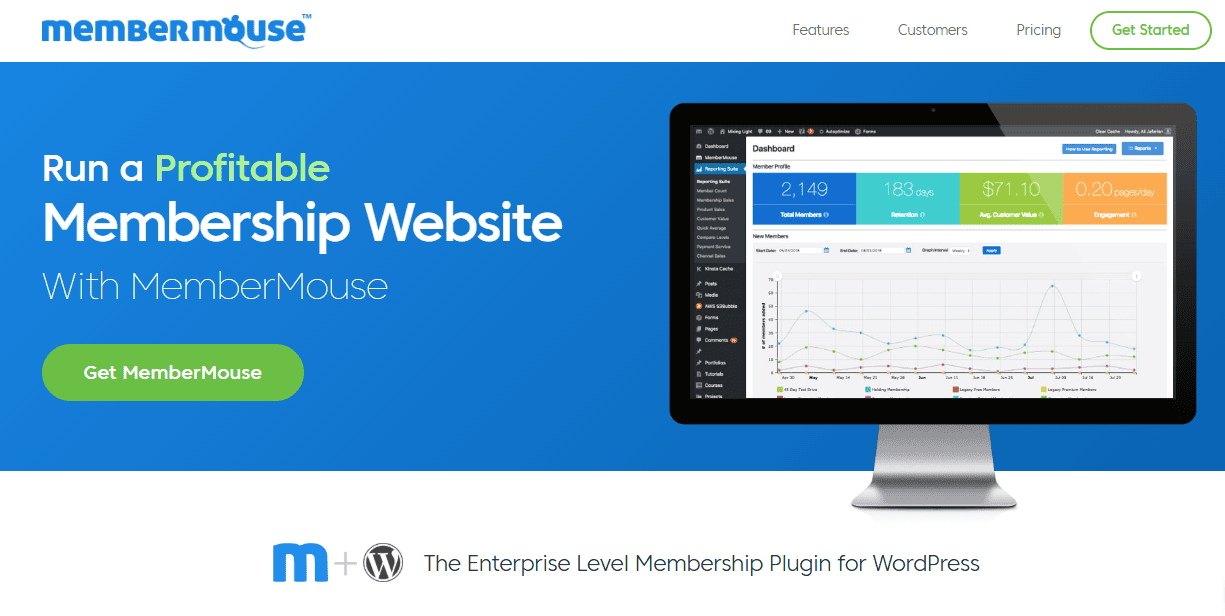
MemberMouse is a great WordPress membership plugin designed for growing businesses that want advanced functionality without complex coding. It excels at protecting content, managing memberships, selling products, and driving revenue growth.
This plugin also makes it easy to set up free and paid memberships, drip content, upsells, and cross-sells to create a seamless member journey. MemberMouse tracks vital metrics such as lifetime customer value and churn rates, while automating overdue payments to ensure you never miss revenue. Its push notification system keeps members informed based on specific actions, enhancing engagement and retention.
Features of MemberMouse
- Easy setup for both free and paid memberships
- Drip content functionality to release material over time
- One-click upsells and cross-sells for a smoother purchasing experience
- SmartTags for personalized content without coding
- Tracks key metrics like customer lifetime value, churn, and engagement
- Automates overdue payment handling
- Push notifications to members or specific user roles based on actions
Cost of MemberMouse
MemberMouse does not offer a free plan. Its pricing starts at $149.50 per year for the Basic plan.
Why Choosing the Right Membership Plugin Matters
The WordPress membership plugin you choose is more than a technical decision; it’s the foundation of your business model. From the way you manage members and deliver content to how you collect payments and handle renewals, your plugin will influence every part of your site.
A poor choice could lead to frustrating limitations, extra add-on costs, and an experience that drives potential customers away.
Here are a few reasons why this decision is so important:
Customer Experience: Your plugin shapes how smooth registration, checkout, and login are for your members. A simple, user-friendly experience keeps customers happy and coming back.
Scalability: As your business grows, your needs will change. The right plugin should easily scale to handle thousands of users, multiple membership levels, and new features.
Revenue Growth: If your plugin doesn’t support recurring payments, coupon codes, or flexible pricing options, you could miss out on opportunities to grow your income.
Content Security: Membership plugins control who can see your content. Without strong access rules and security features, your exclusive material might not be so exclusive.
Integration Flexibility: Your plugin should work seamlessly with payment gateways, learning management systems (LMS), email marketing services, and other tools you use to run your business.
By choosing your membership plugin carefully from the start, you can avoid costly migrations and headaches later.
In the next section, we will discuss the core features every membership plugin should have.
Conclusion
Choosing the best WordPress membership plugin for your business is a decision that will shape your website’s future. The right plugin will allow you to create a smooth user experience, protect your content, and scale your offerings as your audience grows.
Now that you know what to look for and have explored the top options, you’re ready to make an informed and confident choice.
If you’re still unsure where to begin, ProfilePress is the best all-in-one solution available. It combines ease of use with powerful features, including advanced content protection, flexible membership levels, multiple payment gateway integrations, and a growing library of premium addons.
We hope this guide has helped you choose the best WordPress membership plugin for your business. Next, check out our in-depth guide on creating a successful membership site with WordPress.